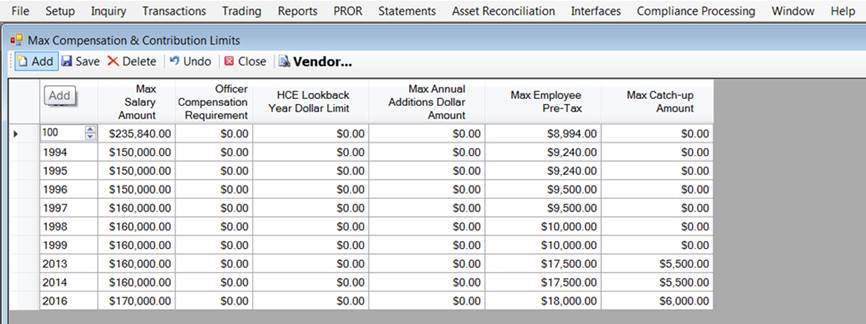
How to Setup Max Compensation and Contribution Limits
Beginning January 1, 2016, it is required that the year's contribution limits be set under Setup > System > Max Compensation and Contribution Limits. This is required in UAT, as well as production, for HSAA, TSA, and FF.
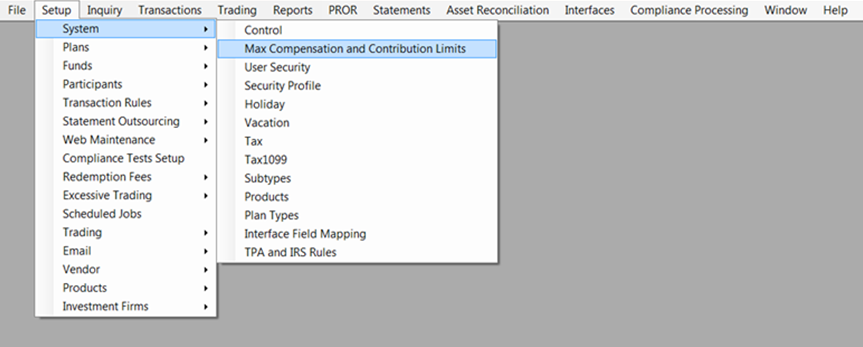
1. Go to Setup > System > Max Compensation and Contribution Limits.
2. Click on <Add> in
the upper left corner of the screen to add a new row.